Important Disclaimer: This article is for general informational purposes only and does not constitute tax, legal, or financial advice. Tax laws, IRS regulations, and reporting thresholds change frequently and may vary based on your specific circumstances. The information provided here is not a substitute for professional tax advice. Always consult with a qualified CPA, enrolled agent, or tax attorney for guidance specific to your situation. Prefile Check is not a tax preparation service and does not provide tax advice.
Why Am I Getting MULTIPLE 1099-K Forms?
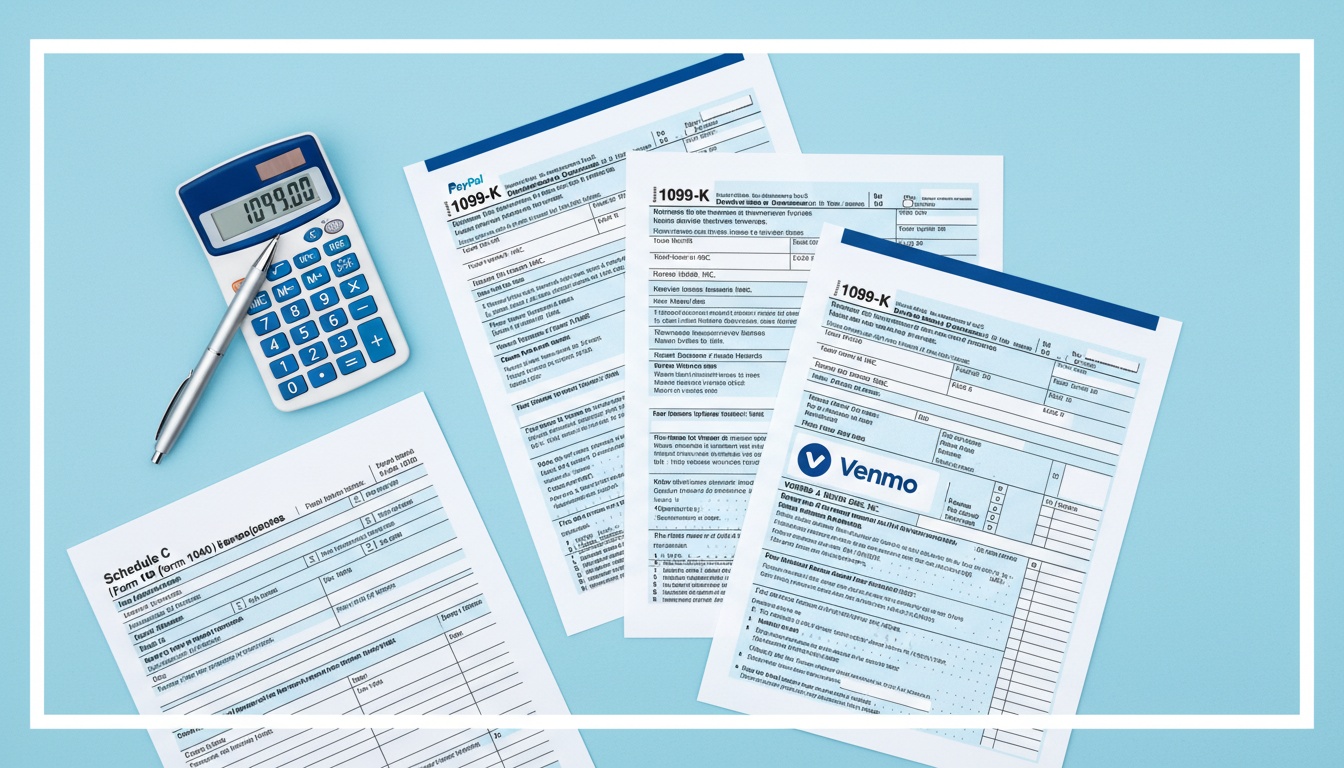
If you use multiple platforms to receive freelance income, you might receive a separate 1099-K from each one. This is not a mistake—it's how the system works.
Each payment platform is classified as a Third-Party Settlement Organization (TPSO) or Third-Party Platform. Under IRS rules, these platforms must report payments they process to the IRS. However, they don't coordinate with each other.
Here's what this means in practice: if you earned $1,200 through PayPal, $900 through Stripe, and $700 through Venmo, you'll receive three separate 1099-K forms—one from each platform. The IRS will see $2,800 in reported payments, even if your actual net income is different after business expenses.
The key principle: Each platform reports independently. They don't share data with each other to combine totals or identify duplicates. You're responsible for tracking and deduplicating your income.
2025 Threshold Breakdown: What Changed
The IRS threshold for 1099-K reporting has been a moving target, causing confusion for freelancers.
Federal Threshold
The standard federal threshold is $20,000 in gross payments AND more than 200 transactions. If a platform pays you $20,000 or more AND processes more than 200 transactions in a calendar year, they must send you (and the IRS) a 1099-K.
Why the Confusion?
The $600 threshold was originally implemented under the American Rescue Plan Act of 2021, but got delayed multiple times. Then, the "One, Big, Beautiful Bill" (OBBB) retroactively reinstated the pre-ARPA threshold of $20,000. For tax year 2025 (filed in 2026), the $20,000 threshold with 200+ transactions is now in effect per IRS guidance IR-2025-107.
This means fewer freelancers are receiving 1099-Ks compared to the $600 threshold—but if you receive one, it still requires attention.
Platform vs. Client 1099-K
It's important to distinguish between:
- Platform 1099-K: From PayPal, Stripe, Venmo, Square, etc. (TPSO reporting)
- Client 1099-NEC: From clients who paid you directly $600+ for services
You might receive BOTH types, which adds another layer of complexity.
Platform-by-Platform: Who Sends What
Understanding which platforms send 1099-Ks helps you anticipate what you'll receive.
PayPal
PayPal issues 1099-K if your annual transactions exceed $20,000 AND 200+ transactions (for goods and services, not personal transfers). Many freelancers use PayPal for client payments, so this is a common form.
Key point: PayPal reports gross transaction amount, not your net after fees.
Stripe
Stripe sends 1099-K to US-based creators and service providers who receive $20,000+ through Connect or direct payments AND have 200+ transactions. If you use Stripe for invoicing or payment processing, watch for this form.
Key point: Stripe reports the full amount before Stripe fees are deducted.
Venmo
Venmo (owned by PayPal) issues 1099-K for business accounts with $20,000+ in transactions AND 200+ transactions. If you receive payments for goods or services through Venmo, expect this form.
Key point: Personal transfers from friends/family don't count—business payments do.
Square
Square sends 1099-K to sellers who receive $20,000+ in gross sales AND have 200+ transactions through Square's payment processing. This includes in-person and online payments.
Key point: Square reports your total processing volume, not just profit.
Other Platforms
Other TPSOs that may send 1099-K include:
- Wise (TransferWise)
- Payoneer
- Upwork (in some cases)
- Fiverr (in some cases)
- Amazon Handmade
- Etsy
The 1099-K vs. 1099-NEC Confusion
You might receive both 1099-K and 1099-NEC forms for the same income. Here's why:
- 1099-K: Sent by payment platforms (PayPal, Stripe, Venmo) — reports gross payments
- 1099-NEC: Sent by direct clients who paid you $600+ for services
If a client pays you through a platform AND also sends a 1099-NEC, you could be double-reported. However, the amounts might differ because:
- 1099-K shows gross platform payments
- 1099-NEC shows what the client actually paid (often net after their fees)
What to do: Keep detailed records. If you receive both forms for the same income, you may need to clarify with the client or platform about which amount represents your actual income.
How to Deduplicate: Your Exact Workflow
When you receive multiple 1099-Ks, here's how to handle them correctly:
Step 1: List All Your Forms
Write down each 1099-K you received:
- PayPal: $[Amount]
- Stripe: $[Amount]
- Venmo: $[Amount]
- Other platforms: $[Amount]
Step 2: Identify Personal vs. Business
Not all payments on these platforms are business income. Review your records to separate:
- Business payments (report as income)
- Personal transfers (not taxable income)
Step 3: Look for Overlaps
If you received the same payment through multiple platforms (rare, but possible), mark it as "duplicate" and only count it once.
Step 4: Report Correctly on Schedule C
On your Schedule C, report your actual business income—not the sum of all 1099-K amounts. Avoid common pitfalls by reviewing Schedule C mistakes the IRS catches from freelancers. Your net profit might differ from any single 1099-K total.
What to Do If Numbers Don't Match
Sometimes your records don't match what's on your 1099-K. Here's how to handle it:
Contact the Platform First
If you see errors on your 1099-K, contact the platform's tax support. They can issue a corrected form (1099-K correction) if there's a genuine error.
Document Everything
Keep records of all your income sources—bank statements, invoices, platform transaction histories. If the IRS questions your return, you'll have documentation.
Don't Ignore It
Receiving multiple forms doesn't mean you did anything wrong, but you must report income accurately. Errors or omissions can trigger audits.
What the MCC Code Means
You'll notice a MCC (Merchant Category Code) on your 1099-K. This is a four-digit code that identifies your business type. Different MCCs indicate different business categories, and the code helps classify what type of work you do.
For example, freelance writers might see one MCC while consultants see another. The MCC doesn't change how you report income—it just categorizes your business type for reporting purposes.
Ready to Simplify Your 1099-K Reporting?
Multiple 1099-K forms don't have to be a nightmare. The key is understanding that each platform reports independently, and your job is to accurately track and deduplicate your actual business income.
Prefile Check helps freelancers like you classify expenses correctly and prepare clean tax returns. Our AI-powered tool simplifies the process so you can file with confidence.
Start your free tax classification now →
Related Articles
- Self-Employment Tax Guide for Freelancers — Calculate and manage your SE tax
- Schedule C Mistakes That Trigger IRS Attention for Freelancers — Avoid reporting errors with multiple income sources
- Organize Your Freelance Expenses for Taxes — Track expenses across multiple platforms
- Quarterly Estimated Taxes for Freelancers — Stay current on estimated payments
Disclaimer: This article is updated regularly based on IRS guidance, but should not be considered professional tax advice. Prefile Check is not a tax preparation service. Consult a qualified tax professional for your specific situation. Last updated: March 2026.